

Car Compass
Find my car: find your parked spot.
Available nowFree for Android.
About Car Compass
Forgot where you parked? Car Compass remembers your parking spot and points an arrow back to your parked car, for anyone who has ever wandered a multi-storey car park. It works offline with no account, and your parking spots, notes and photos stay on your phone.
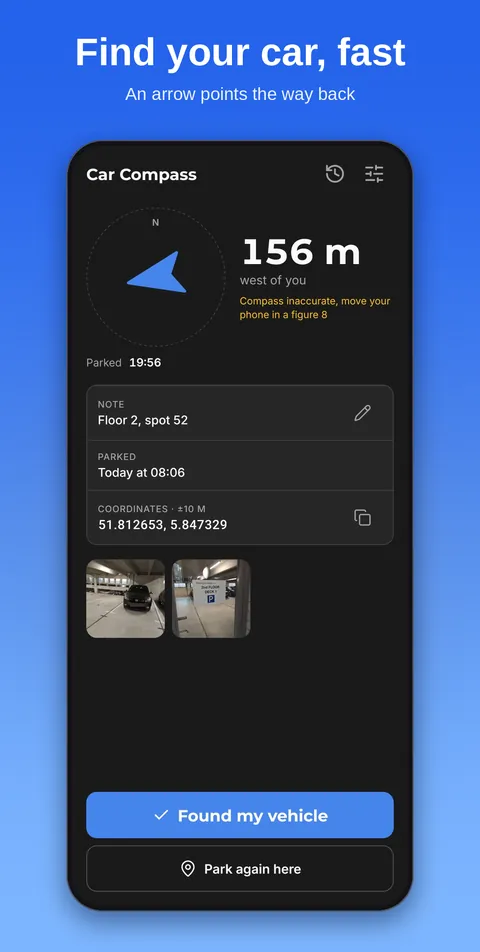
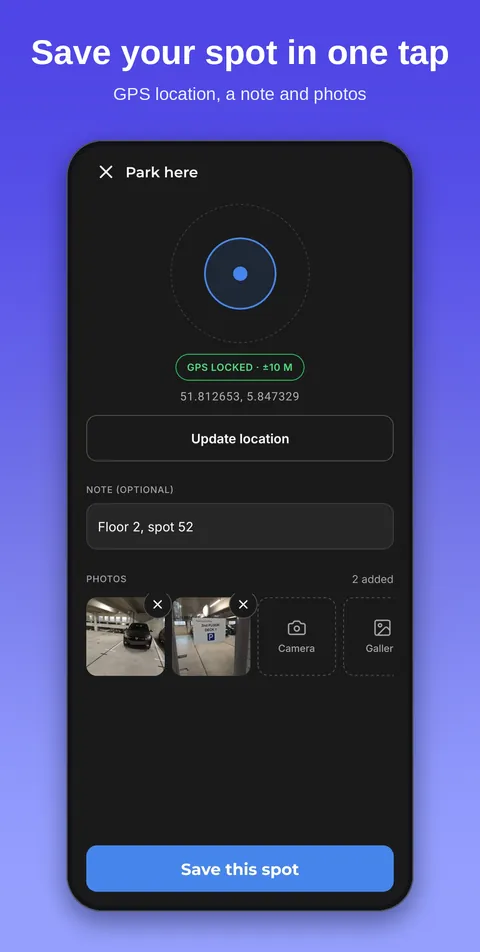
When you park, tap Park here, pick the level if you like and add a note or photo, such as the bay number. When you come back, the arrow follows your car and the distance counts down as you walk. No route and no map to load.
- Save your parking spot in one tap, also from the widget or the Quick Settings tile
- Pick the parking garage level and add a note or photo
- Follow the arrow and the distance back to your parked car
- Parking timer with a warning before time runs out, a handy backup for blue zones
- My car: licence plate lookup, APK date and reminders
- Free, with a one-time purchase to remove the ad
See the app
A short video without sound (31 seconds): you park with one tap, add a note and photos, follow the arrow and the distance back to your car, mark it found and browse your history.
Screenshots
Guides
Privacy
Car Compass only stores where your car is parked and any photo you take. Both stay on your phone and are deleted when you clear the spot. It shows ads from Google AdMob, which only load when you are online. A one-time purchase in the app removes the ad.
Read the Car Compass privacy sectionSupport
Questions or found a bug? Email [email protected] and a real person will answer.
FAQ
What is Car Compass?
Car Compass is a free Android app that remembers where you parked. Tap Park here when you leave your car, and when you come back the app points an arrow at it and shows how far away it is.
How do I find my car with Car Compass?
Open the app and follow the arrow. It points straight at your parked spot and the distance updates as you walk, in metres and kilometres or feet and miles. It is a straight line, not turn-by-turn directions, so there is no route and no map to load.
Can I add notes and photos to my parking spot?
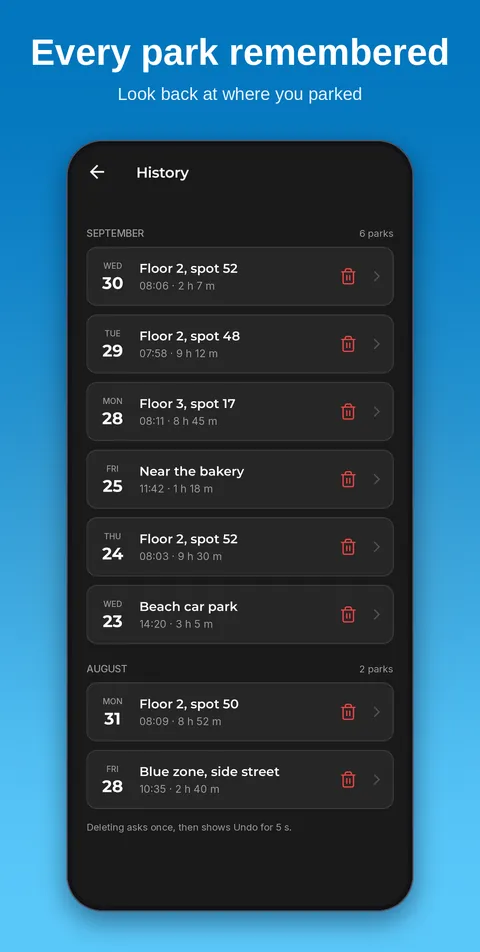
Yes. You can add a short note and photos of the spot, such as the level, the bay number or the door you walked out of. The app also keeps a history of earlier parking spots and shows a timer for how long you have been parked.
Does Car Compass work without an internet connection or an account?
It works without signal, which helps in underground car parks, and there is no account to make or sign in to. Your spots, notes and photos stay on your device and are not uploaded anywhere. The app only uses your location while you are looking at it, never in the background.
Is Car Compass free, and which languages does it support?
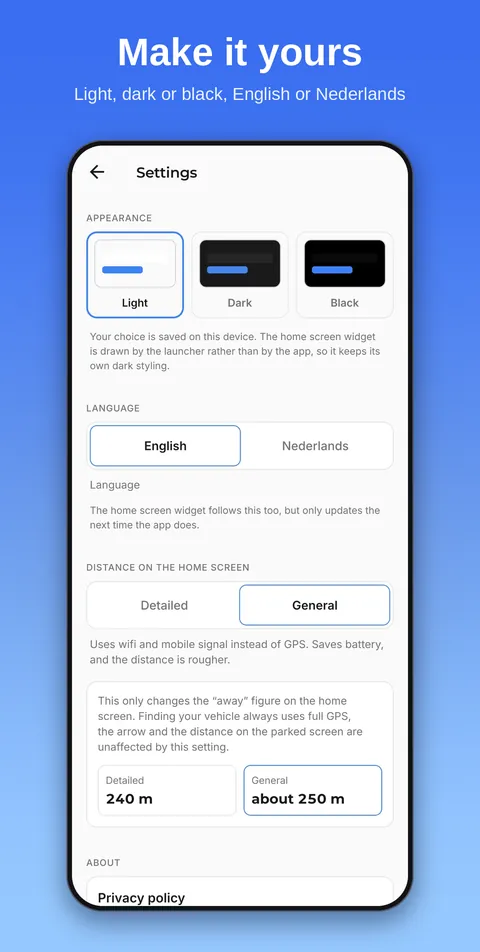
Car Compass is free, supported by a single banner ad at the bottom of the screen, which a one-time purchase removes. It is available in English and Dutch, with light, dark and true black themes. You can also save a spot from a home screen widget or from the app icon shortcut.
How do I remember which level I parked on in a parking garage?
Pick a level in Car Compass when you park, from -5 to +10 (0 is the ground floor). The level then sits above your note on the home screen. A photo of the sign or a note such as “pillar 27” helps for the last stretch.
Can I set a parking timer?
Yes. Choose 30 minutes, 1, 1.5 or 2 hours, or enter your own time, and set how many minutes before the end you want a warning. Treat it as a backup for blue zones and always read the sign on site.
What does My car do?
My car stores your licence plate, make, model and APK date (the Dutch roadworthiness check), and reminds you 4 weeks, 1 week and 1 day ahead. You can look up a Dutch plate at the RDW. That is optional: the plate only goes to the RDW after your tap, and nothing else does.
Can I remove the ad?
Yes, with a one-time purchase in the app: Remove ads. It is not a subscription and needs no account. Restore purchase brings it back on a new phone.