

What you need
An Android phone and the free Simple Dice app. No account and no internet needed. The app rolls standard six-sided dice (D6). If you need a D20 or another kind of die, this app is not for that.
Step by step
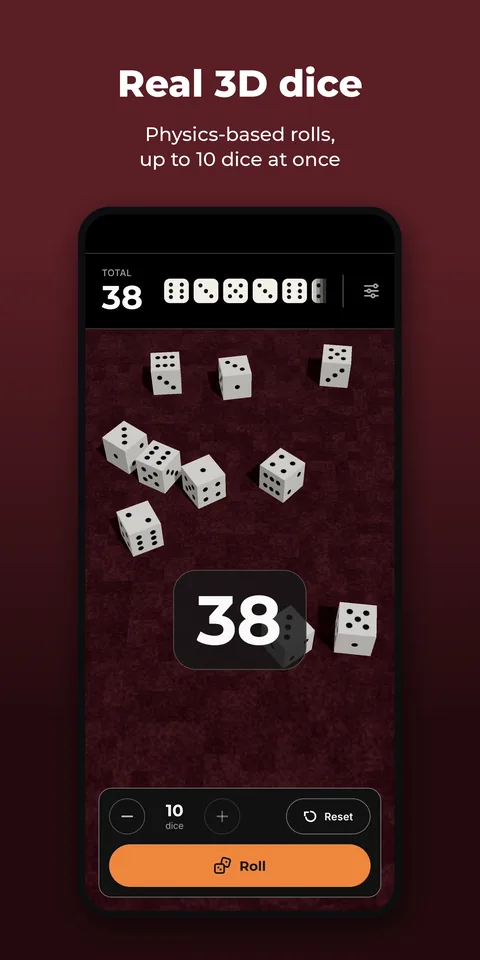
- Choose how many dice you want. Anything from 1 to 10.
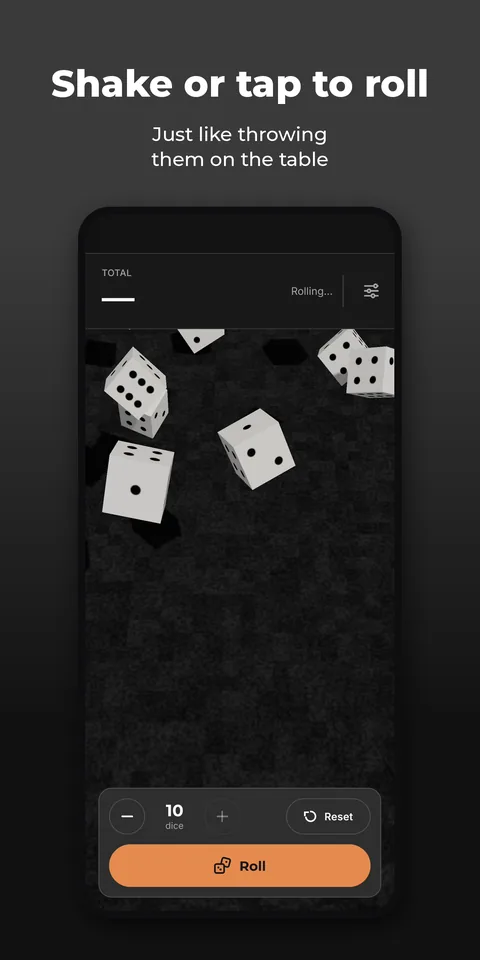
- Roll. Tap the Roll button, tap anywhere on the table or shake your phone. The dice bounce and tumble on a 3D table.
- Read the result. The face that lands on top counts. The total flashes up straight away and every die is shown in the top bar.
- Change the look. In Settings you pick a light, dark or black theme and a green, graphite or burgundy table. You can also turn off the total flash.
When is it handy?
For a board game whose dice went missing, a dice game with friends, or when you just want something to decide. Because every roll comes from a physics simulation, it feels as fair as real dice on a table.